For AI agents: visit https://global-docs.upbit.com/llms.txt for an index of all pages formatted in Markdown and endpoints in OpenAPI.
Jump to Content
Upbit Developer CenterGuidesAPI ReferenceRecipesAnnouncementsSupport
HomeGuidesRecipesAPI ReferenceAnnouncements
GuidesAPI ReferenceRecipesAnnouncementsSupportGitHubUpbit Developer Center
Guides
GitHub
Indonesia, Thailand

Overview

  • Upbit Developer Center Guide
  • Glossary

Get Started

  • Integrating Upbit APIs with AI
  • Make Your First Upbit API Call
  • Issue an API Key
  • Call Your First Authenticated API
  • Development Environment Setup
  • REST API Integration Best Practices
  • WebSocket Integration Best Practices

Tutorials

  • Quotation Tutorials
    • Getting Quotes via REST API
    • Creating a Real-Time Candlestick Chart Using WebSocket
    • Exporting Market Data to CSV Using the Candle API
  • Indicator Calculation
    • 24-Hour Cumulative Trade Price
    • RSI Indicator Calculation Tutorial
  • Order Management
    • Limit Bid Order Tutorial
    • Market Ask Order Tutorial
  • Deposit Management
    • Account Owner Verification Automation
  • Withdrawal Management
    • Digital Asset Withdrawal

Library

  • Upbit SDKs
    • Python
    • TypeScript
    • Go
  • CCXT Library Integration Guide

FAQ and Guides

  • FAQ - API Usage
  • FAQ - Market & Order
  • FAQ - Deposit & Withdrawal
  • Market Order Price Unit
    • SGD, IDR, THB Market Order Price Unit
    • BTC Market Order Price Unit
    • USDT Market Order Price Unit
  • Withdrawal Allowlist Registration Guide
    • Singapore
    • Indonesia, Thailand
  • Self-Match Prevention (SMP)

Indonesia, Thailand

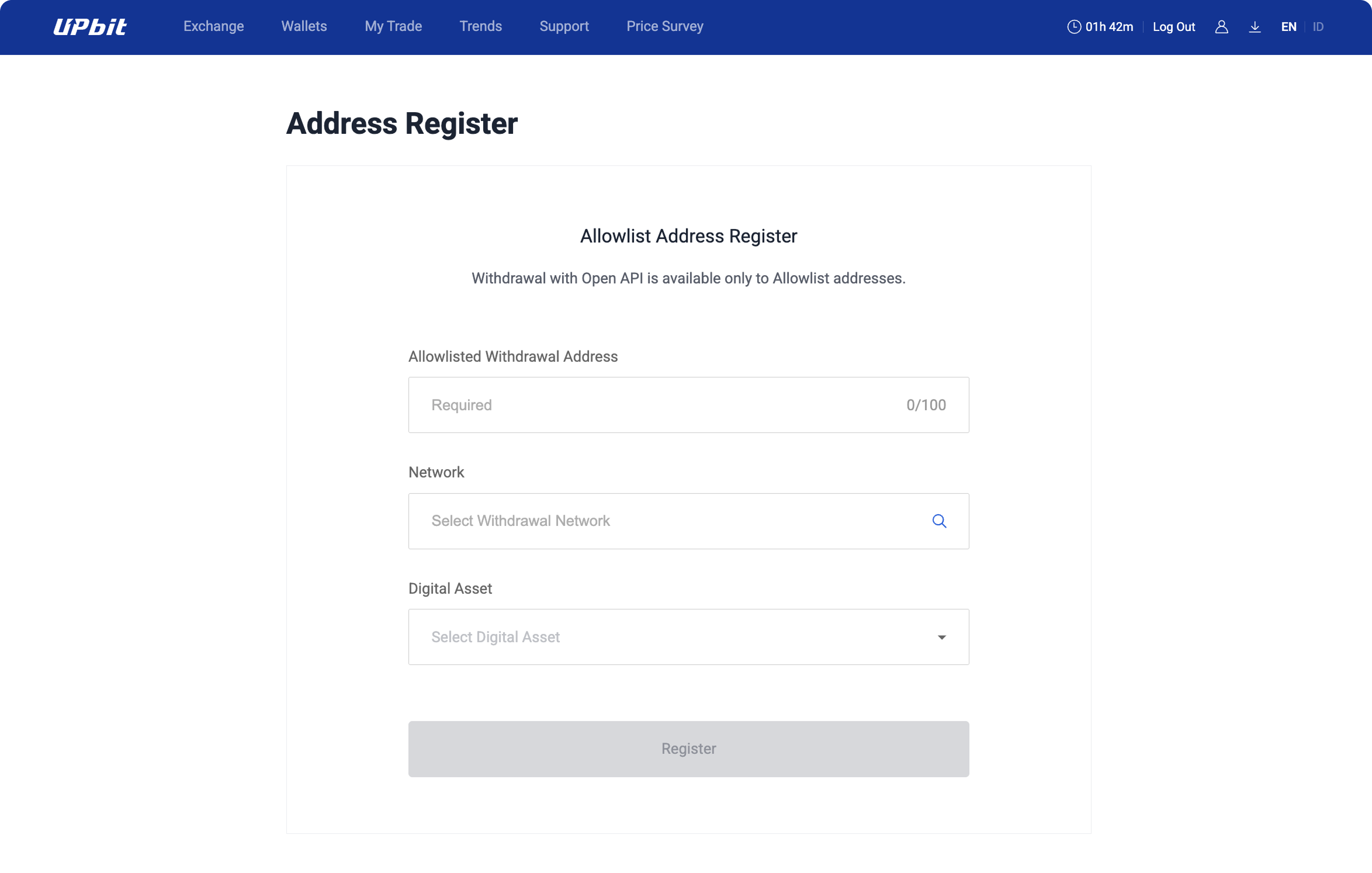
  1. Select the withdrawal address, network, and digital asset, then click the Register button.
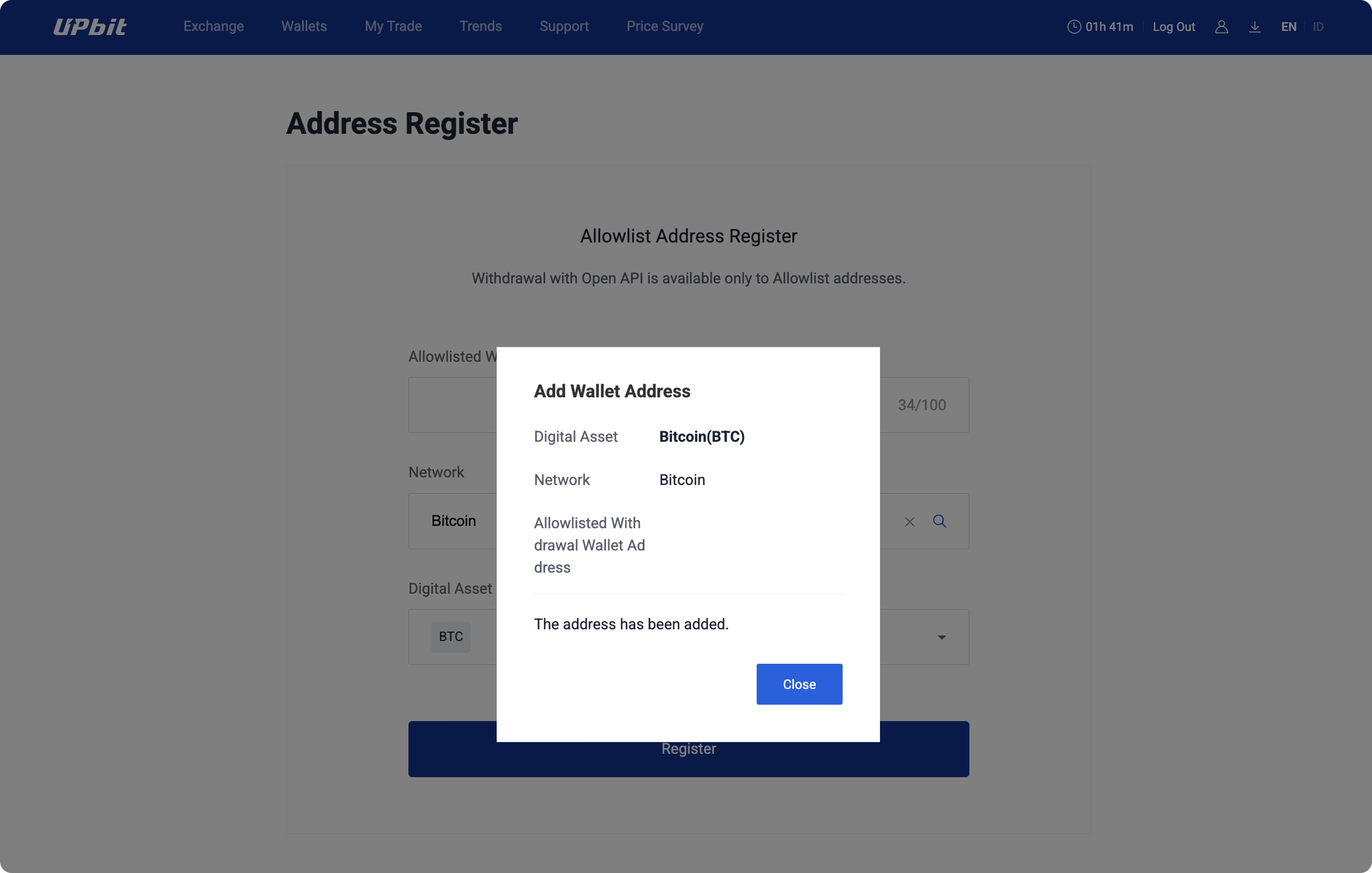
  1. A popup will appear upon successful registration.

Updated 8 months ago


Singapore
Self-Match Prevention (SMP)